
Pages, Release Grids, the Marketing Hub, and more, all inside Artist Growth, right next to your tours, calendars, and finances.
–
As an artist’s career grows, the business behind it tends to spread across spreadsheets, group texts, and scattered documents. Pages is built to bring those documents back into Artist Growth.
“We started Artist Growth to give artists and their teams one place to run their business,” said Matt Urmy, founder and CEO of Artist Growth. “Pages brings their documents into that place, so the plans, notes, and bios a team relies on live alongside everything else.”
Pages is the headliner of the Artist Growth Fall Release, our biggest release of the year, and it’s live now.
WHAT ARE PAGES?
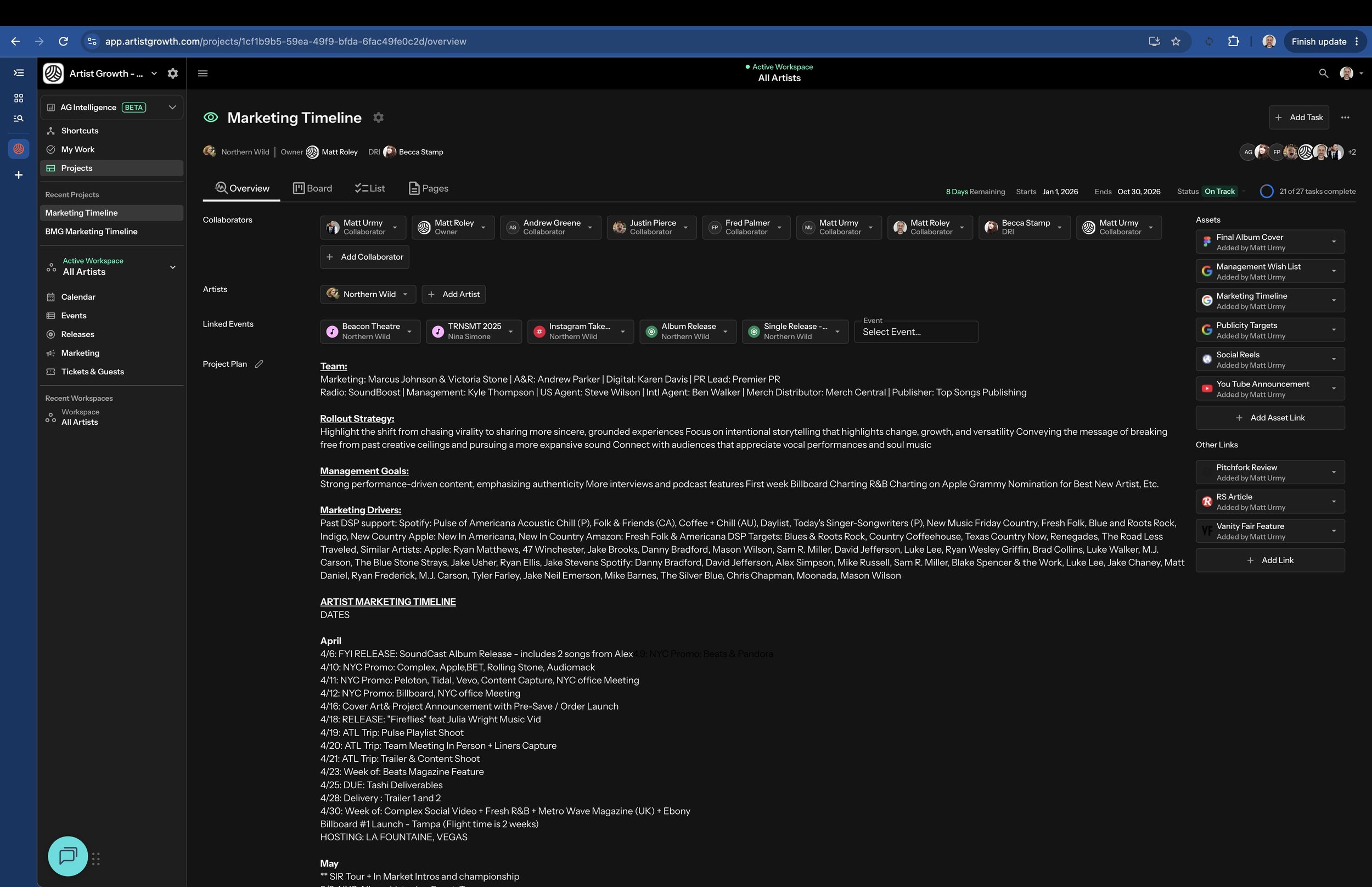
Pages are rich, shareable documents built right into Artist Growth. Use them for artist timelines, campaign plans, advance notes, bios, and anything else your team keeps in scattered docs today.
Pages attach to artist Profiles and Projects, so notes and plans stay next to the artists and projects they belong to instead of getting lost in email threads or outside files.
IT’LL FEEL FAMILIAR
If your team has ever spent half an hour searching for “final_FINAL_v7_tourschedule.docx” in Google Docs, Pages will be a breath of fresh air. Everyone with access can work on the same Page at once and see each other’s changes as they happen. You can comment on selected text, type @ to tag a teammate, and drag and drop images into a Page. When you’re mentioned, you get notified, and notification emails take you straight to the Page.
And because each Page lives on the artist Profile or Project it’s about, your documents sit in the same system as your tours, calendars, and finances. The plan and the work it supports are in one place.
BUILD A CONNECTED KNOWLEDGE BASE
Link Pages to each other to build a connected knowledge base for your roster. When you share an artist Profile, you choose which Pages appear with it.
PERMISSIONS ARE ALREADY SET
A Page’s access comes from the Profile or Project it’s attached to, so you don’t manage Page permissions separately. Anyone who can see the Profile or Project can view its Pages. To edit a Page, a team member needs edit access to that Profile or Project.
If someone can’t see or edit a Page, update their access to the Profile or Project, and their access to the Page updates with it.
Everything stays inside Artist Growth, so there are no separate sharing settings to keep track of.
TAKE PAGES WITH YOU
Pages are fully supported in the Artist Growth mobile app. Go ahead and update to version 11.7.0 to start taking advantage.
GET STARTED IN A FEW CLICKS
You’ll find Pages in two places: open any Project or any Artist and select the Pages tab. To create a Page, click to add a new one, give it a title, and save. From there you can type, paste content, and start building it out right away.
Already have documents you want to bring over? Copy and paste them into a Page to get started fast.
For more information, visit the Pages guide in our help center.
ALSO NEW IN THE FALL RELEASE
RELEASE GRIDS AND THE RELEASE CALENDAR
You and your team can plan and track every single, EP, and album across your roster in one spreadsheet-style grid so no deadline will ever be a surprise again.
Each release can track its type and version, UPC and ISRCs, whether it’s been pitched to streaming services, publishing info, press and playlist wins, and links for Spotify, Amazon Music, YouTube, Tidal, and more. There’s also a field for each release’s next anniversary, so you can plan anniversary campaigns ahead of time.
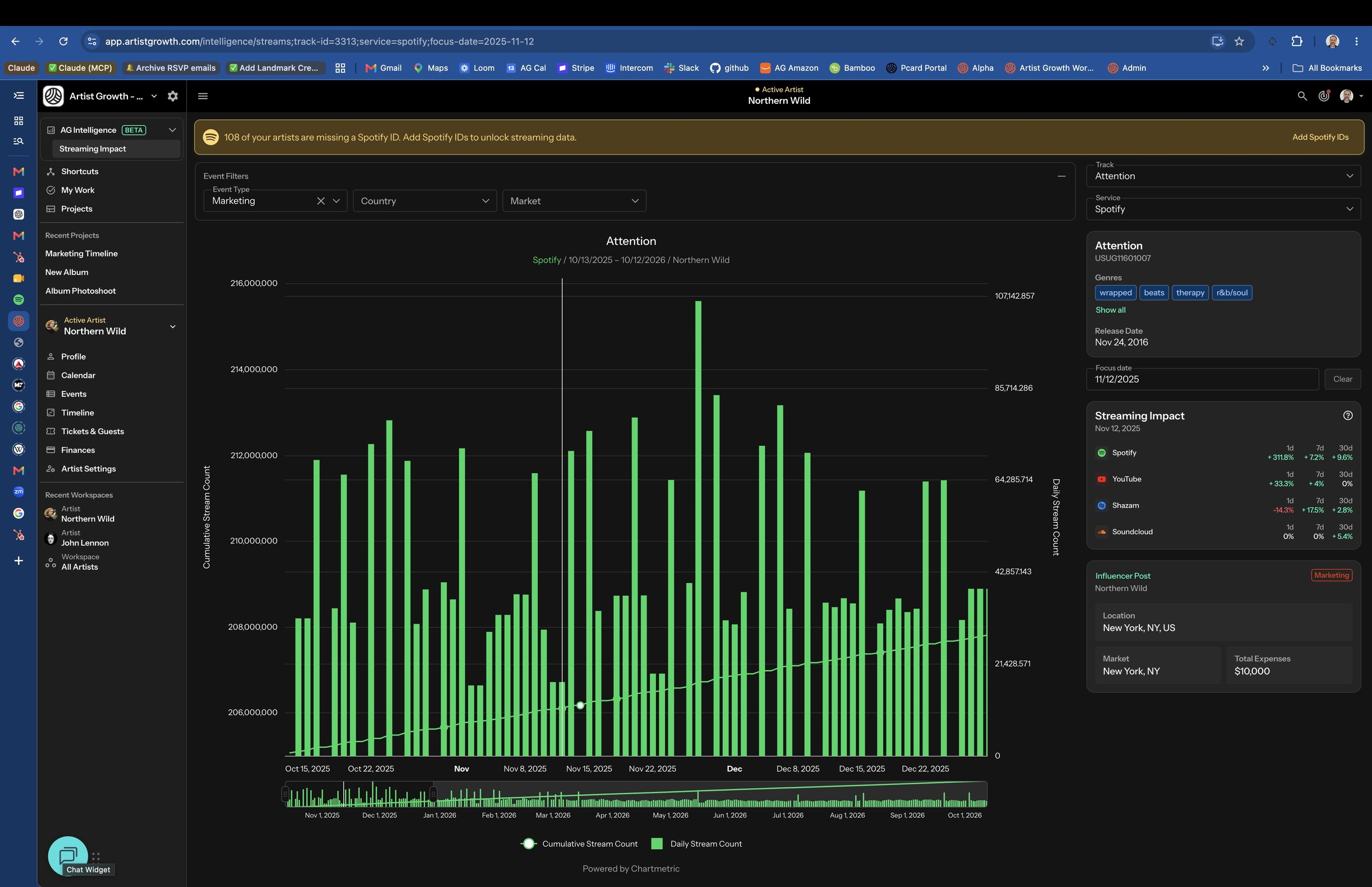
Release dates appear on your calendar alongside shows and events, and releases now show up in AG Intelligence.
Learn more in the Release Grid guide.
THE MARKETING HUB
Run the marketing side of every release and tour from the same place you manage everything else. You’ll never have to flood Slack channels again, asking “Who’s supposed to post that today?”
The Marketing Hub is organized into three grids:
Content Production tracks each piece of content from assignment through production, due date, approval, and publishing.
Social Calendar plans posts by date, time, platform, and account, with room to log captions, campaigns, boosts, and impressions.
Assets keeps a record of your marketing assets, who delivered them, when, and where to find the files.
Marketing items appear on your web and mobile calendars, and social posts are included in AG Intelligence.
Learn more in the Marketing Grid guide.
PROFILE AND PROJECT LINK SECTIONS
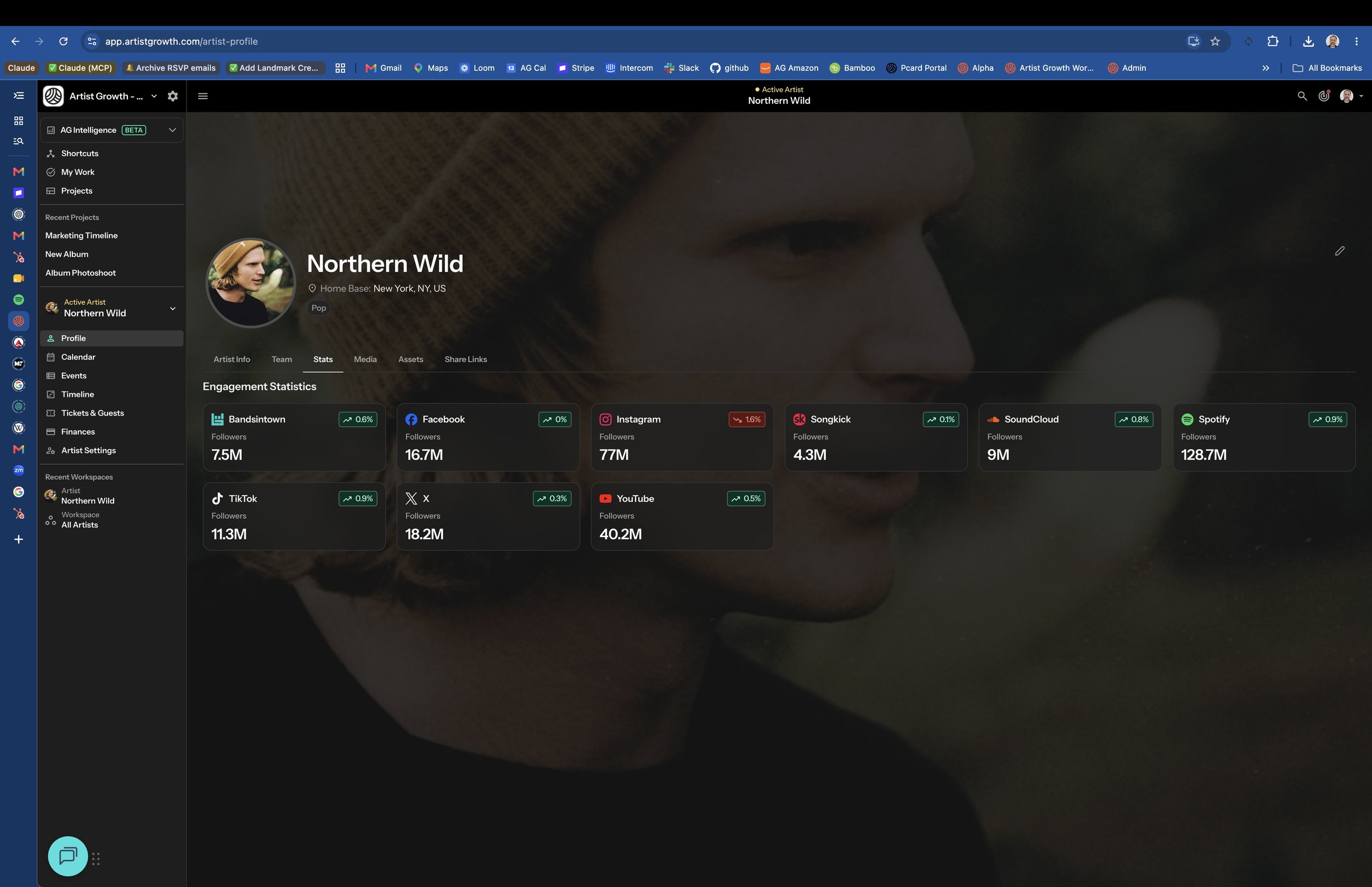
Now you can keep important links , such as streaming platforms, socials, press hits, and shared folders, organized right on each artist Profile and Project, so your team always knows where to find them.
AI CONNECTOR: BRING ARTIST GROWTH INTO CLAUDE AND CHATGPT
With the Artist Growth MCP connector, you can ask your AI assistant about your roster in plain English. It uses your live Artist Growth data and only sees what you already have access to.
Try asking:
“What shows does my roster have next month?”
“What tasks are overdue for me this week?”
“Show me open ticket requests for Friday’s show.”
You can also submit ticket requests right from the chat. The setup takes about two minutes, and our short video walkthroughs show you how.
[Link to video here]
Read what Hypebot had to say about our MCP when we announced it this summer.
